If you’ve ever built a site in WordPress and felt like you were doing the same layout over and over again — the same hero section, the same service cards, the same testimonial grid — block patterns are the feature that quietly solves the problem. And yet, most people barely touch them.
They’re tucked away inside the block editor, sitting there politely, waiting to make your life dramatically easier. If you’re building a portfolio, a business site, or anything repeatable, patterns are one of the most powerful tools WordPress has introduced in years.
So… What Exactly is a Block Pattern?
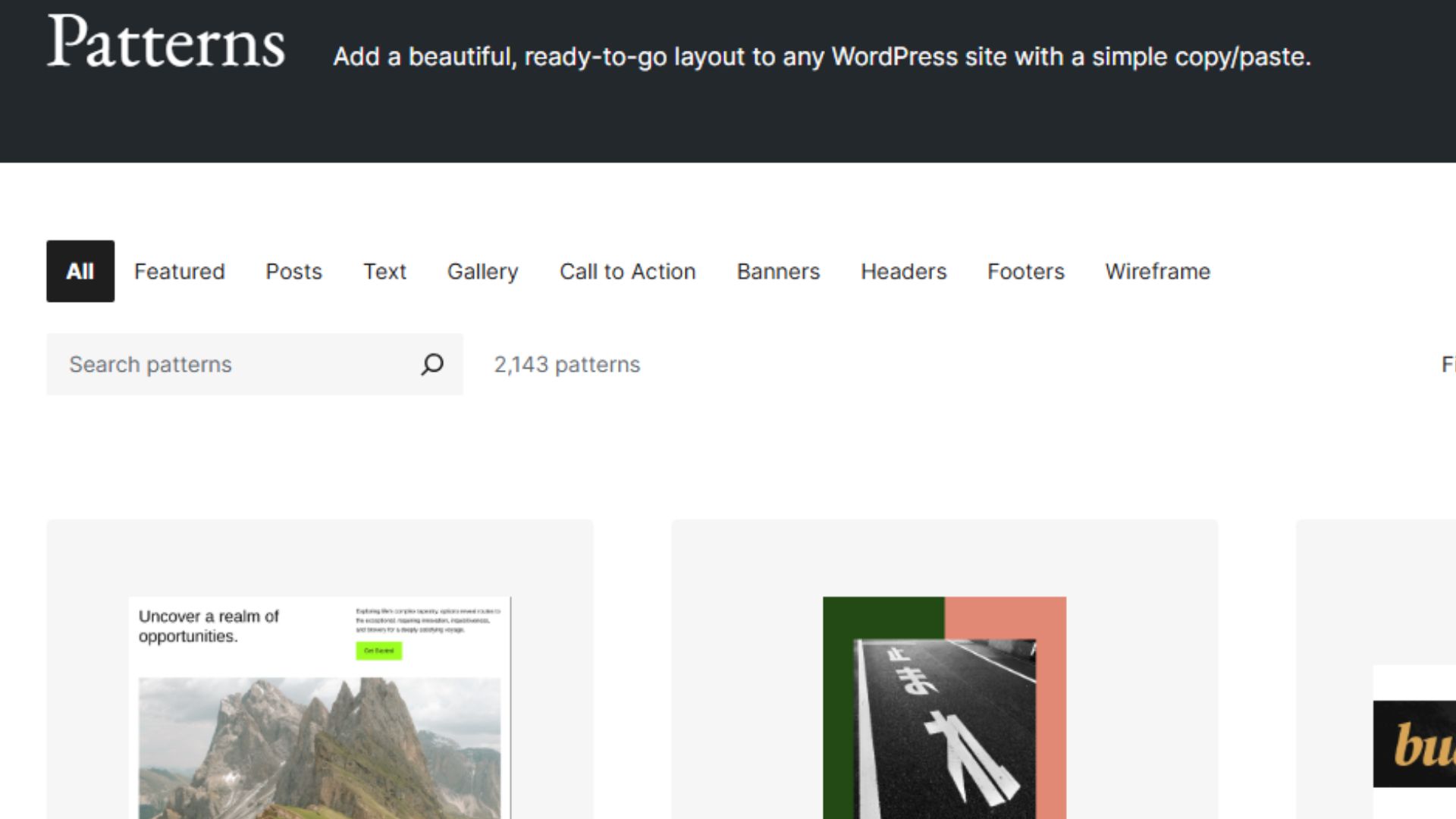
A block pattern is a pre-designed, pre-arranged collection of blocks (text, images, buttons, layouts) that you can insert into a page with one click. Think of them as LEGO kits — a ready-made section you can drop in and customise.
Unlike templates, which replace an entire page, block patterns slot neatly into whatever you’re already building. They’re modular, flexible, and fast.
You can create your own, import patterns, save layouts, or pull from your theme’s library. And once you start using them properly, building pages becomes less “click… duplicate… edit… repeat” and more “drop… tweak… done.”
Why Block Patterns Are So Powerful
- They give your site consistency with zero effort – When every section follows the same spacing, colours, and layout rules, the entire site instantly feels more professional. Patterns enforce that without you having to think about it.
- They speed up your builds dramatically – You spend less time fiddling and more time designing. For freelancers, this is golden — patterns shave hours off a project.
- They let you build your own “mini design system” – Without touching a line of code, you can create reusable patterns for hero sections, feature grids, contact blocks, pricing tables, anything!
- They reduce plugin dependence – A pattern replaces a lot of those “layout helper” plugins people stack in without thinking. Your site becomes cleaner, faster, and easier to maintain.
How to Start Using Them on Your Own WordPress Site
The magic isn’t in using the patterns WordPress gives you — it’s in making your own.
Here’s the quick workflow:
- Build a section you’re happy with (in the block editor).
- Select the outermost container.
- Click Options → Create pattern.
- Give it a name and decide if it should be synced (more info below on the sync option).
- Save — and now it appears in your Patterns library.
From that point on, every page you build can be constructed from your personal toolkit of polished sections.
If you use a block theme like Ollie (which this website uses), you already get a solid starter set. But your custom patterns are where your branding, spacing, and overall vibe really come together.
Patterns vs. Synced Patterns – A Quick Note
If you toggle Sync on, every place you use the pattern will update when you edit it. For example, you might have a custom pattern that displays all of your social media links. If you add a new link, Sync on means the pattern will update everywhere it is displayed.
If you choose Sync off, the pattern template is the same but an update to one instance doesn’t update the others. For example, you want the same text box on multiple pages but different coloured text on each.
Give WordPress Block Patterns a Go – They’re Fun to Design Too!
Block patterns are one of those WordPress features that feels tiny until you actually start using them — and then you wonder how you ever built without them. Whether you’re creating a portfolio, a business homepage, or a whole website, patterns give you consistency, speed, and a little hint of design-system magic without needing to be a developer.