

WordPress is overflowing with free tools that most people either forget about or have no idea exist. Everyone gravitates toward plugins, themes, and page builders, but the real magic often comes from the tools hiding in plain sight — the ones baked into WordPress itself or created by the community to make your life easier.
Here are ten of the best free WordPress tools you should be using right now — whether you’re building your first site, designing for clients, or polishing up your own portfolio.
Openverse
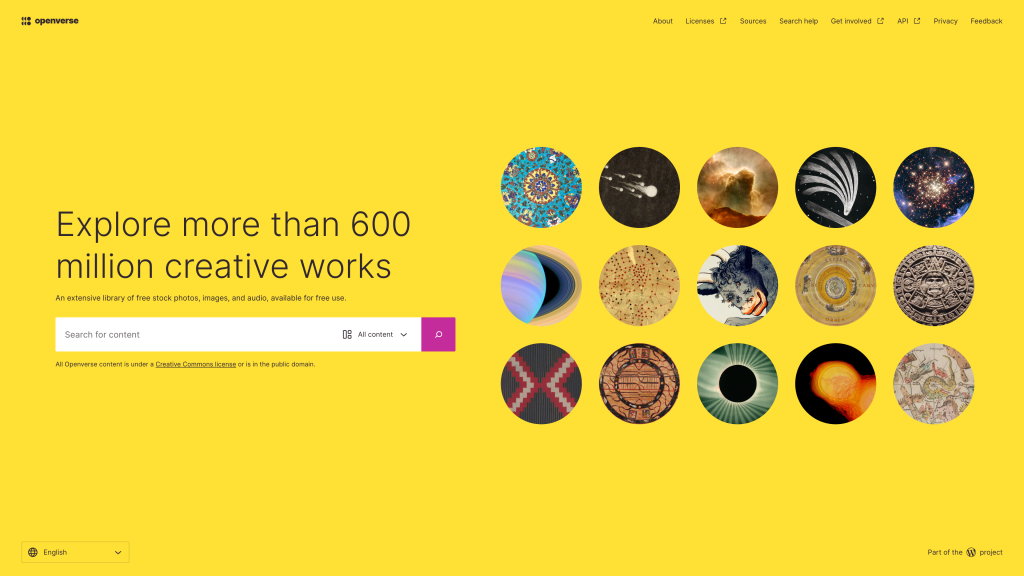
Think of Openverse as a giant library of images, audio, and media you can actually legally use. Everything is Creative Commons–friendly, searchable, and already integrated into WordPress.
Great for:
- Featured images
- Blog graphics
- Hero placeholders
- Moodboards
- Free resources
It saves you hours of finding copyright-free content and keeps you out of legal nonsense.
The WordPress Block Pattern Directory
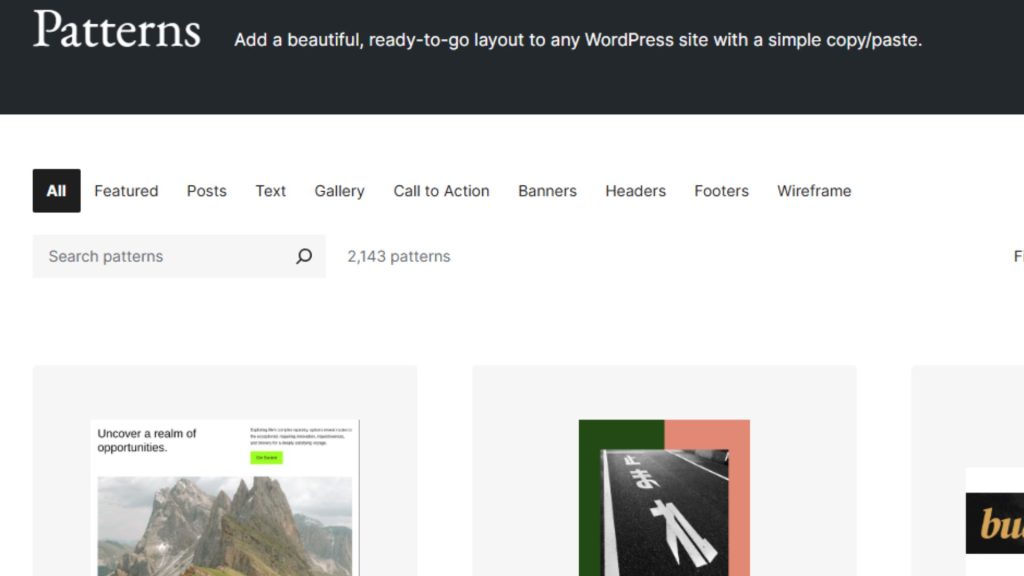
I’ve written before about patterns being one of WordPress’s secret weapons, but it’s worth mentioning again. The Patterns Library gives you ready-made sections — hero banners, galleries, grids, callouts, pricing tables — that you can insert with one click.
Perfect for beginners and pros:
- Fast section building
- Consistent layouts
- Clean, modern structure
- No plugin needed
If you’re rebuilding your site with a block theme, this library is a goldmine.
Pro Tip: The Patterns Directory has two filters on the right hand side – one of which has ‘Curated’, ‘Community’ and ‘All’ options. Be sure to choose ‘All’ or ‘Community’ to access hundreds of patterns created by the WordPress community. The ‘Curated’ patterns are WordPress standard and tend to be rather basic (and already available in WordPress).
The Site Editor (Full Site Editing)
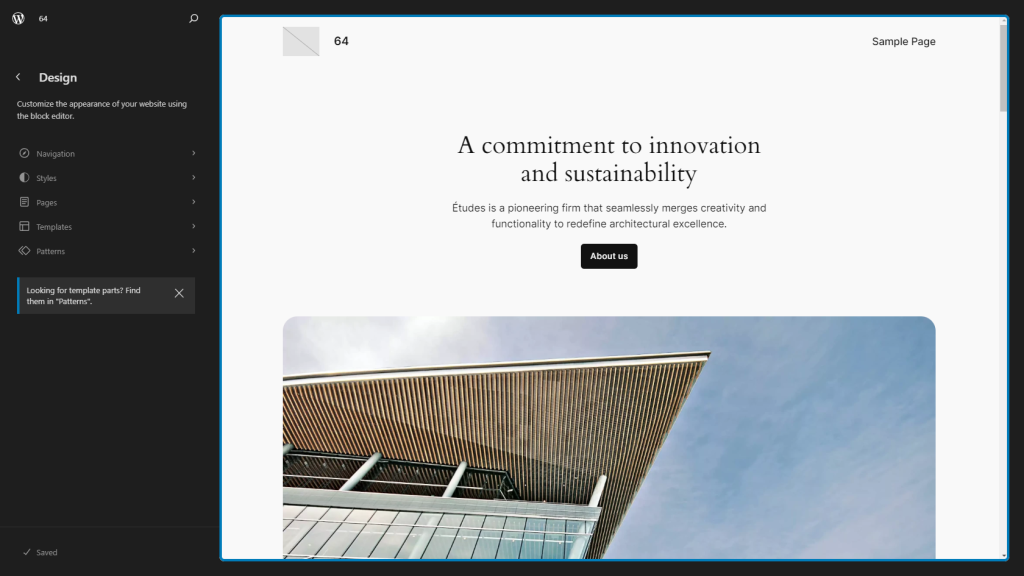
The Site Editor lets you edit headers, footers, templates, and global design settings without touching code. If you’re using a block theme like Ollie, Frost, or Twenty Twenty-Four, you can redesign your entire site in minutes.
What you can control for free:
- Typography
- Colours
- Layout spacing
- Blocks and patterns
- Page templates
It’s basically a design system built into WordPress.
WordPress Telex
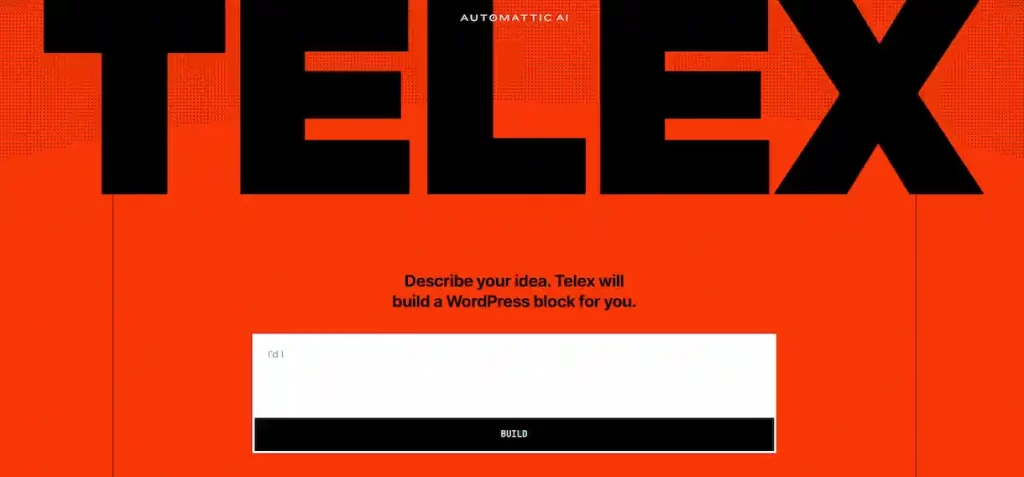
Telex is an amazing free WordPress tool, allowing users to leverage AI to build, test, and package their own blocks for the Site Editor.
Great for:
- Advanced users
- Small custom blocks
- Testing ideas
If you know a little about WordPress blocks, give it a try! I published a block over on Github recently that was built with the help of Telex.
The WordPress Media Library Editing Tools
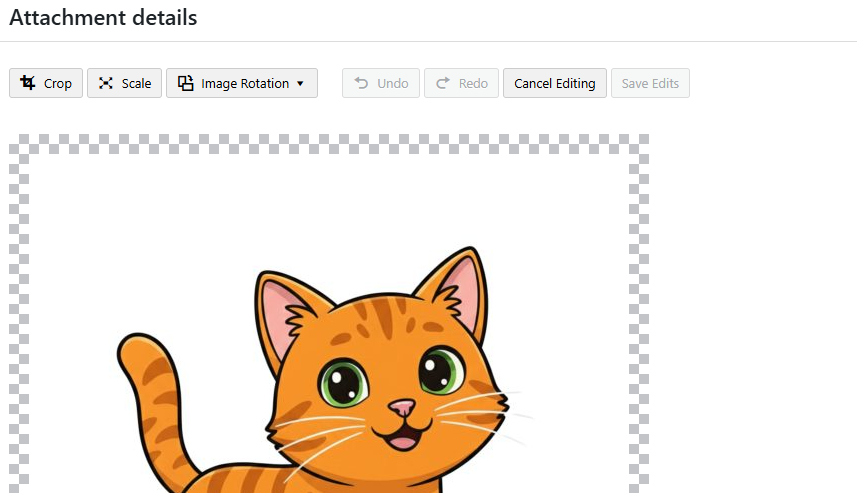
WordPress’s Media Library offers basic built-in tools for cropping, rotating, flipping, and scaling images, plus options to edit metadata (alt text, title, caption) directly within the dashboard. Many users forget to set these, but they can be a powerful SEO tool if used well.
Great for:
- Quick edits on the fly
- Cropping images to better match your required aspect ratio
- Rotating screengrabs or mobile pics
If you don’t need a full image editor, these basics keep your site tidy and fast.
The Query Loop Block
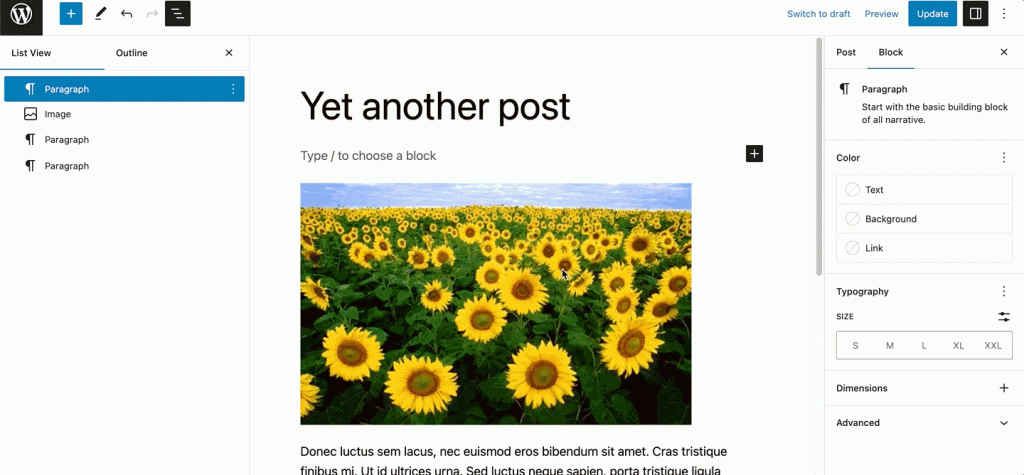
This block turns you into a mini-developer without writing anything. It lets you build:
- custom blog grids
- portfolio layouts
- “latest posts” sections
- category-specific blocks
- feature cards
- dynamic content loops
You can design your own archive layouts directly in the editor. It’s insanely powerful and completely free.
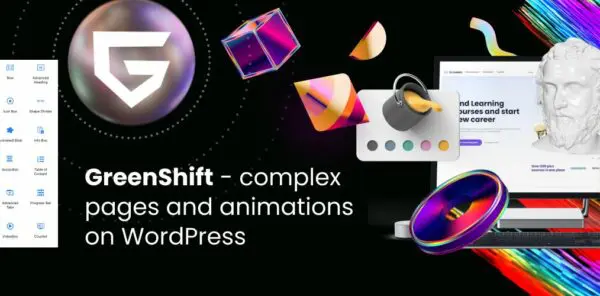
Whilst WordPress’s query loop is great, sometimes, you just need more power or customisation. That’s where Greenshift comes in. Greenshift allows you to customise every aspect of your site, and contains powerful block features, such as off-canvas menus, animations for any page element, and charts and graphs for your posts.
My favourite add-on for Greenshift is its query and meta add-on, which gives you powerful new query loop abilities, as well as dynamic elements and wish-lists for your users.
There are lots of block plugins out there, but none offer the expansive custom options of Greenshift. It’s my go-to plugin to expand block-based WordPress sites.
WordPress.org Showcase
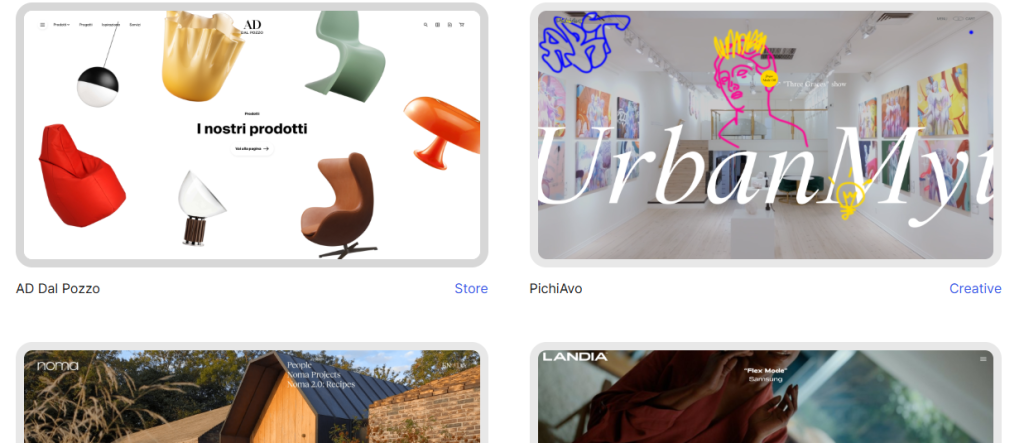
The WordPress.Org showcase is a treasure-trove of design inspiration, new ideas, and a little bit of, ‘Oh wow, I never knew they used WordPress’.
Great for:
- Design ideas
- Website inspiration
Amongst boutique interior design sites or world-renowned museum homepages, you’ll find big names like NASA and Rolling Stone.
The WordPress Playground/Studio
Playground is WordPress – but it runs entirely in your browser. No hosting. No installation. No setup. And as the name suggests, Playground is essentially a test zone you can do anything in without harming your main site.
You can:
- Test plugins
- Try themes
- Build layouts
- Experiment safely
- Prototype pages for clients
It’s instant WordPress with zero risk. Completely free.
For Developers, you can also check out WordPress Studio, which allows you to spin up WordPress instances locally, and use in-built AI to help.
Find Out More ↗ or Learn About Studio Here ↗
The Performance Lab Plugin (by the WordPress Core Team)
Performance Lab is a set of experimental performance improvements built by the same people who maintain WordPress itself.
It helps with:
- Image optimisation
- Script loading
- Caching hints
- Core web vitals
- Modern browser features
It’s lightweight, official, and designed to eventually merge into core.
WP Job Manager
Built by Automattic (the guys behind WordPress), WP Job Manager allows you to build a job board for your website, absolutely free.
Great for:
- Job boards
- Guest post applications
- Attracting new writers for your blog
The plugin even has built-in Google Job Schema support to help with SEO.
You don’t need a subscription stack or a plugin jungle to build a beautiful, fast, functional WordPress site. The ecosystem is overflowing with free, powerful, well-maintained tools — many of which beginners never touch because they’re too busy hunting for plugins.
If you embrace these built-in tools, you get more control, fewer conflicts, and a cleaner design system that won’t fall apart after an update.